In-Depth Review of the Most Popular Mechanical Keyboards for Work and Play
15 January 2026
Mechanical keyboards are more than just fancy peripherals—they’re a game changer for productivity and gaming alike. Whether you're a hardcore gamer, a coding wizard, or someone who just loves the satisfying click of a mechanical key, the right keyboard can make all the difference. But with so many options out there, how do you know which one to choose?
Well, you’re in luck! We’ve gone deep into the world of mechanical keyboards to bring you an in-depth review of the most popular models that cater to both work and play. Buckle up—this is going to be a satisfying ride. 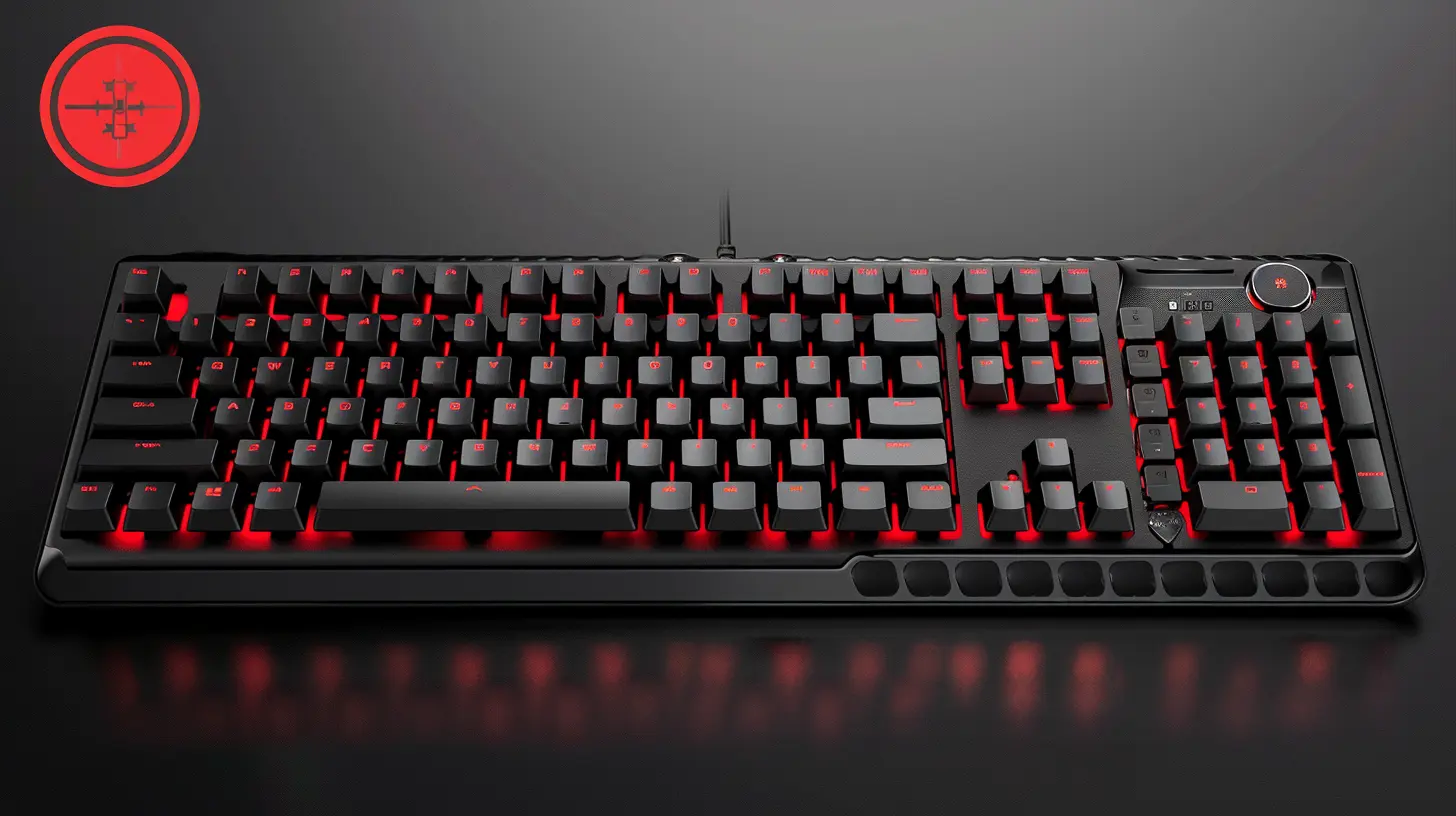
Why Choose a Mechanical Keyboard Over a Regular One?
If you've never used a mechanical keyboard before, you might wonder what all the fuss is about. A regular membrane keyboard gets the job done, but mechanical keyboards take things to the next level.1. Durability That Lasts for Ages
Most mechanical keyboards are rated for 50 to 100 million keystrokes, while membrane keyboards start showing signs of wear after just 5 million keystrokes. If you're hammering away at your keyboard all day, a mechanical one will last you years, if not decades.2. Better Typing Experience & Comfort
Do you love the sound and feel of a satisfying keypress? Mechanical switches give tactile feedback and audible clicks (depending on the type of switch), making typing a joy. They also require less force, which reduces finger fatigue—perfect for long gaming sessions or coding marathons.3. Precision and Speed for Gamers & Writers
Mechanical keyboards register keystrokes faster and more accurately than their membrane counterparts. In gaming, that split-second difference could mean victory or defeat. For writers and programmers, it means fewer typos and a smoother workflow.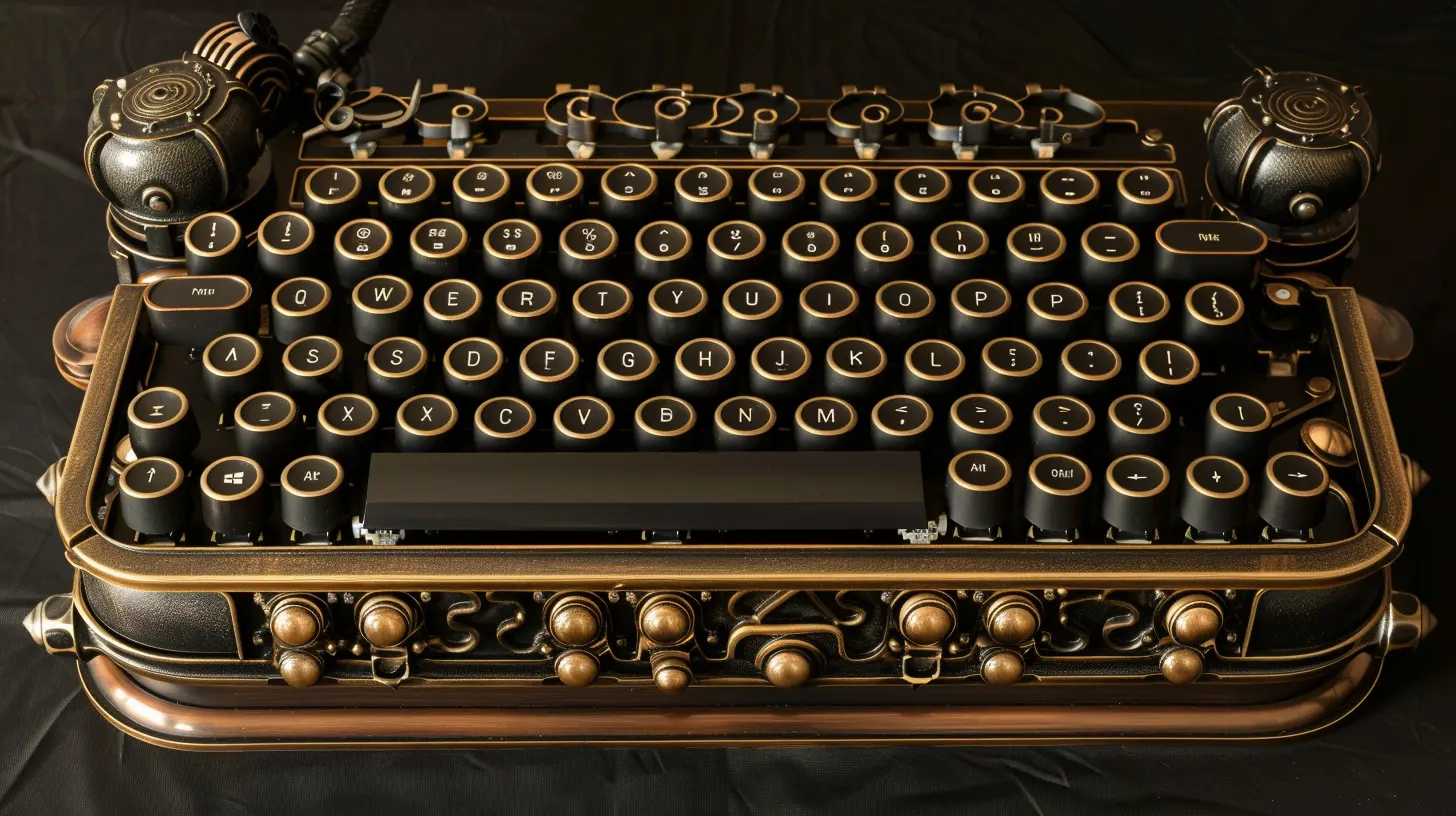
Top Mechanical Keyboards for Work & Play in 2024
Now that we've gone over why mechanical keyboards are superior, let's break down some of the best ones in the game. We’ve included keyboards that excel both in gaming and professional work—so there's something for everyone.1. Keychron K6 – Best Wireless Mechanical Keyboard
✔ Pros:✅ Compact & portable
✅ Wireless & USB-C wired mode
✅ Hot-swappable switches
❌ Cons:
❌ No dedicated function keys (without using Fn layer)
Why It Stands Out:
If you’re looking for a versatile, compact, wireless mechanical keyboard that’s equally great for work and gaming, the Keychron K6 is a beast. It supports macOS & Windows, connects via Bluetooth and USB-C, and offers hot-swappable switches, so you can swap out the feel of your keys anytime.This 65% keyboard is perfect for people who want to save desk space while still getting that amazing typing feel. The battery lasts up to 72 hours of continuous typing, making it an excellent option for remote workers who hate dealing with wires.
2. Razer Huntsman Mini – The Gamer’s Dream Keyboard
✔ Pros:✅ Ultra-fast optical switches
✅ Compact 60% design
✅ Customizable RGB lighting
❌ Cons:
❌ No dedicated arrow keys
❌ Pricey for a compact keyboard
Why It Stands Out:
For gamers who want peak performance, the Razer Huntsman Mini is a power-packed 60% mechanical keyboard with Razer’s ultra-fast optical switches. These switches use light-based actuation, meaning the keys register instantly—a crucial advantage in competitive gaming.The keyboard’s RGB backlighting is fully customizable, and it features double-shot PBT keycaps for durability. However, the lack of dedicated arrow keys might be a deal-breaker for those who type often for work.
3. Logitech MX Mechanical – The Best Office Mechanical Keyboard
✔ Pros:✅ Silent yet tactile switches
✅ Long battery life
✅ Multi-device connectivity
❌ Cons:
❌ No hot-swappable switches
❌ Higher price tag
Why It Stands Out:
If you want a mechanical keyboard for work that won’t annoy your coworkers, the Logitech MX Mechanical is a fantastic option. It offers a low-profile mechanical feel without the loud clicks, making it ideal for office use.It features multi-device connectivity, allowing you to easily switch between your PC, Mac, and even your tablet. With strong battery life and Bluetooth + USB-C support, it’s a solid investment for professionals who need reliability and performance.
4. SteelSeries Apex Pro – The Most Customizable Keyboard
✔ Pros:✅ Adjustable mechanical switches
✅ Premium build quality
✅ OLED smart display
❌ Cons:
❌ Expensive
❌ Takes time to customize
Why It Stands Out:
The SteelSeries Apex Pro is like the Swiss Army knife of mechanical keyboards. It features OmniPoint adjustable switches, which let you customize the actuation force of each key. Want a soft, fast response for gaming? Done. Prefer deeper key presses for typing? You got it.The built-in OLED display lets you customize settings on the fly, and the per-key RGB lighting means you can make it look however you want. If you love personalization, this is the keyboard for you.
5. Corsair K95 RGB Platinum – The Ultimate Work & Play Keyboard
✔ Pros:✅ Full-size with dedicated macro keys
✅ Premium aluminum build
✅ Stunning RGB lighting
❌ Cons:
❌ Bulky & takes up desk space
❌ Expensive for casual users
Why It Stands Out:
When it comes to balancing work and gaming, the Corsair K95 RGB Platinum is in a league of its own. It’s a full-sized keyboard with dedicated macro keys, making it perfect for gamers who need extra shortcuts or professionals who want quick-access commands.The Cherry MX switches provide a smooth and satisfying typing experience, and the aluminum frame ensures durability. Yes, it’s pricey, but if you want an all-in-one powerhouse, this is the way to go. 
Choosing the Right Mechanical Keyboard for You
Now that we’ve covered some of the best options, how do you choose the right one? Here’s a quick guide to help you out:🔹 For Gamers → Go for a Razer Huntsman Mini (compact & ultra-fast) or SteelSeries Apex Pro (customizable actuation).
🔹 For Typists & Office Use → The Logitech MX Mechanical (quiet & wireless) or Keychron K6 (compact & comfortable) is ideal.
🔹 For an All-in-One Work & Gaming Setup → The Corsair K95 RGB Platinum gives you the best of both worlds. 
Final Thoughts
A great mechanical keyboard can transform the way you work and play. Whether you're grinding through a coding project, crafting the perfect email, or battling it out in a high-stakes FPS game, the right keyboard makes all the difference.Now—it's your turn. Which one would you pick? Whatever your choice, once you go mechanical, there's no turning back. Get ready for a smoother, faster, and more satisfying typing experience!
all images in this post were generated using AI tools
Category:
Tech ReviewsAuthor:

John Peterson
Discussion
rate this article
2 comments
Thalyn McFarland
Great insights! It's fascinating to see how mechanical keyboards can enhance both productivity and gaming experiences. Your thorough review will definitely help readers make informed choices!
February 26, 2026 at 4:26 AM
John Peterson
Thanks for the feedback! I'm glad you found the review helpful. Happy typing!
Nathan Moses
Discover the perfect keyboard for productivity and gaming joy today!
January 23, 2026 at 11:42 AM
John Peterson
Thank you! Our in-depth review highlights the best mechanical keyboards that balance productivity and gaming perfectly. Enjoy!