Integrating Smart Home Devices: Tips for Seamless Connectivity
6 December 2025
Let’s be honest—smart homes are no longer the stuff of science fiction. They’re here, they’re real, and they’re making our lives a whole lot easier (and cooler). But here’s the catch: owning smart gadgets is one thing, making them all work together? That’s where it gets tricky.
If you’ve ever shouted at your smart speaker only to be ignored or watched your smart bulbs take on a mind of their own, you’re not alone. Integrating smart home devices can feel a bit like trying to get cats to perform synchronized swimming. But don’t worry—you’re not doomed to a house full of confused gadgets.
In this guide, I’m going to break down the best tips for making your smart home smarter… and way less frustrating. So grab your favorite smart assistant (or maybe just a cup of coffee), and let’s dive in.
🚀 What Does "Smart Home Integration" Even Mean?
Think of your smart home devices as a band. You've got the smart bulbs playing the lights, the smart thermostat laying down the climate beat, and the doorbell cam keeping an eye on the crowd. Integration is what turns that chaotic jam session into sweet, sweet harmony.When devices are properly integrated, they can talk to each other, automate tasks, and create a seamless experience. Like arriving home after work and your lights turning on, the thermostat setting itself to “cozy,” and your favorite playlist kicking in. That’s the dream, right?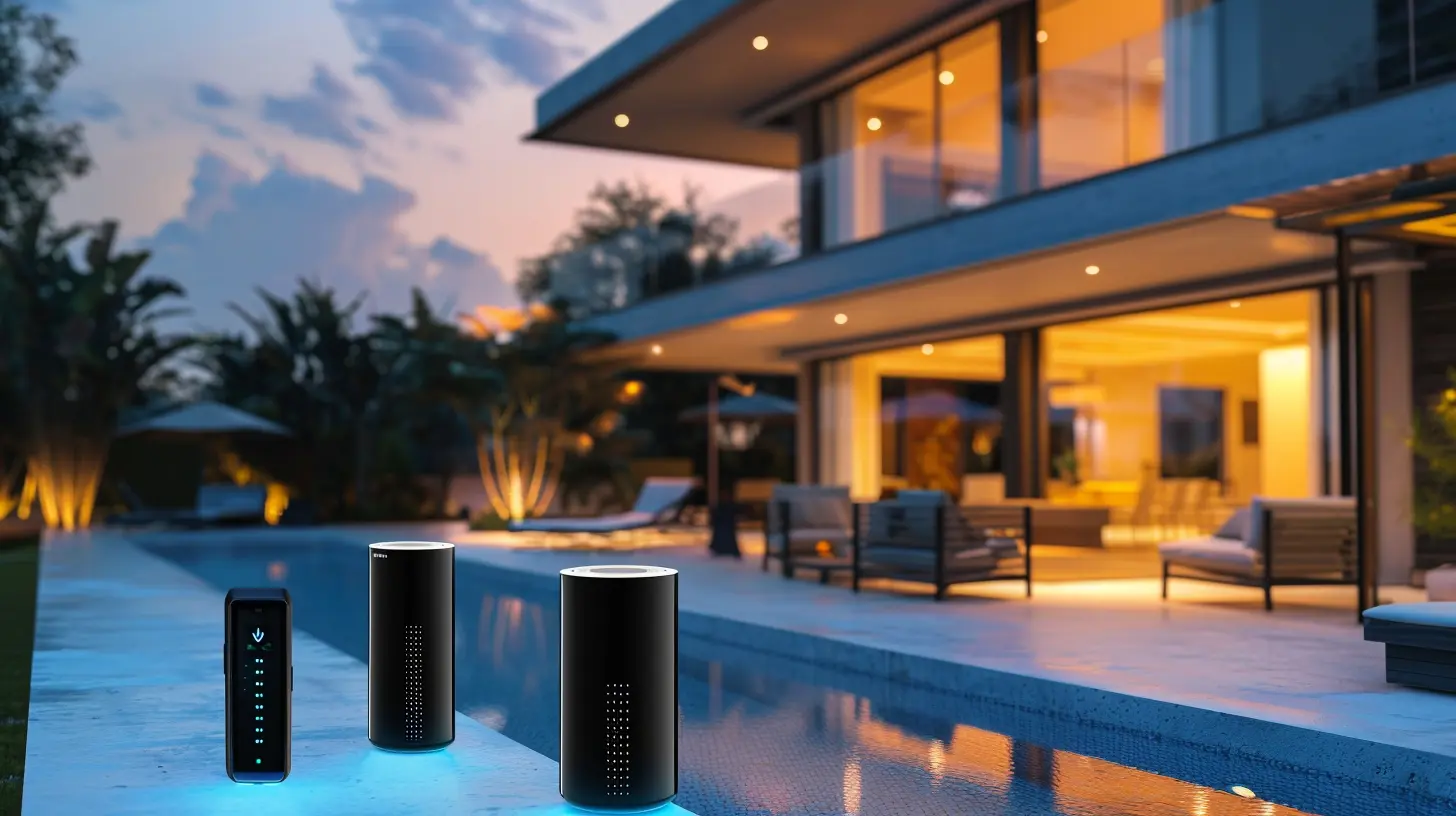
🧠 Tip #1: Start With a Smart Ecosystem
Before you start adding devices to your cart like it’s Black Friday, pause for a second. The first step in smart home success? Picking your ecosystem.Here’s the big three most folks go with:
- Amazon Alexa
- Google Assistant
- Apple HomeKit (Siri)
Each has its strengths and quirks. Already an iPhone devotee? HomeKit might be your jam. Got a bunch of Echo Dots lying around? Alexa’s your pal. Already living in Google’s world? Assistant will feel like home.
📝 _Pro tip: Mixing ecosystems is possible, but it might cause more headaches than it solves. Stick with one to keep things tidy._
📡 Tip #2: Check Device Compatibility Like a Pro
Don’t just buy the prettiest smart gadget on the shelf. Always—seriously, always—check if it plays nice with your chosen ecosystem.Look for the magical phrases like:
- “Works with Alexa”
- “Google Assistant compatible”
- “Supports Apple HomeKit”
Some devices support multiple ecosystems (high-five to those!), but some are monogamous. A smart thermostat that only works with Alexa isn’t going to vibe with your Siri setup.
🎯 Tip #3: Your Router Is the Real MVP
This might sound boring, but your router is the unsung hero of your smart home. If your Wi-Fi is weak or outdated, even the fanciest smart gear will feel like dial-up in disguise.Here’s what to do:
- Upgrade to a dual-band or tri-band router
- Consider mesh systems if you’ve got a larger home
- Change your Wi-Fi network name (SSID) to something easy to recognize
- Avoid overcrowding one frequency—use 2.4GHz for most smart gadgets, and 5GHz for high-bandwidth devices
Still using your provider’s stock router from 2009? Yeah… time for an upgrade.
🔌 Tip #4: Don’t Underestimate the Power of Hubs
In a perfect world, all your devices would speak the same language. But reality? Some need interpreters. That’s where hubs come in.A smart home hub bridges the gap between devices and helps them work together. Some popular hubs include:
- Samsung SmartThings
- Apple HomePod (acts as a HomeKit hub)
- Amazon Echo (some models have Zigbee built-in)
Got Zigbee or Z-Wave devices? A hub might be non-negotiable.
It’s like having a universal translator for your gadgets. Trust me—it’s worth it.
🗣️ Tip #5: Use Voice Commands & Routines to Simplify Life
The beauty of a smart home isn’t tapping your phone to turn a light on (although that’s still cool). It’s creating automations and routines that do it for you. Like magic.Here are a few ideas:
- "Good Morning" routine: Lights turn on, coffee brews, news briefing starts
- "Leaving Home": Thermostat adjusts, lights turn off, security system arms
- "Movie Time": Lights dim, TV powers on, volume adjusts
Set it and forget it. That’s the vibe.
🤯 Tip #6: Keep Firmware Updated (Seriously, Do It!)
It doesn’t sound exciting, I know. But running outdated firmware is like inviting bugs and security holes to party in your house.Here’s the fix:
- Enable auto-updates where possible
- Check companion apps regularly for firmware alerts
- Don’t ignore update notifications (I see you 👀)
New updates often bring better integration, improved performance, and crucial security patches.
🛠️ Tip #7: Centralize Control with an App (Or Two)
Managing your smart home through ten different apps? Yikes. That’s a headache waiting to happen. Most ecosystems come with a central app that ties all your gadgets together.Here’s how the big players look:
- Alexa app: Great for routines and control
- Google Home: Super visual and easy to use
- Apple Home app: Tightly integrated with iOS devices
If you're feeling adventurous, check out third-party apps like Home Assistant, IFTTT, or SmartThings for even deeper customization.
🔐 Tip #8: Don’t Skimp on Security
Smart homes are convenient—but they’re also connected. And that means you need to take security seriously.Simple steps to stay safe:
- Use strong, unique passwords for devices and Wi-Fi
- Enable two-factor authentication where possible
- Change factory-default credentials
- Keep your router’s firmware updated
Picture your smart home like a digital castle. Lock those doors.
🔄 Tip #9: Create Zones or Rooms (Digital Feng Shui)
Rather than lumping all your devices into one giant list, organize them into rooms or zones. Almost every smart home app lets you do this, and while it might seem cosmetic, it’s a life-saver when you scale up.Want to turn off all the lights in the bedroom? Easy. Control the temperature in just the living room? Done. It’s like having a remote for each part of your house without the clutter.
🤹♀️ Tip #10: Test, Fail, Adjust, Repeat
Here’s the truth: getting your smart home just right takes a bit of experimenting. Sometimes automations won’t trigger as expected. Sometimes devices won’t respond. That’s okay.Tinker. Adjust settings. Try new routines. The beauty of a smart home is that it evolves with you. As your needs change, your automations and integrations can shift too.
It’s not about perfection—it’s about progress.
🧩 Bonus Tip: Integrate Non-Smart Devices (Yes, It’s Possible!)
Not everything in your home has to be "smart" out of the box. Gadgets like:- Smart plugs can make lamps or coffee makers smarter
- IR blasters can control older TVs or AC units
- Smart relays can give traditional switches a brain
This is where creativity meets tech. The limit? Pretty much your imagination.
Final Thoughts: The Goal is Harmony, Not Complexity
The point of integrating smart home devices isn’t to make your life more complicated—it’s to make things smoother, safer, and just a little cooler. With the right setup, you’ll barely have to lift a finger to live better.So, whether you're just setting up a couple of smart lights or going full Tony Stark with an AI-powered fortress, the tips above will steer you towards seamless connectivity.
And remember: it’s okay to start small. Even adding one well-integrated smart device can feel like a game-changer.
Happy automating
all images in this post were generated using AI tools
Category:
Smart HomeAuthor:

John Peterson
Discussion
rate this article
2 comments
Parisa Underwood
Great insights! Seamless connectivity truly enhances our smart home experience.
December 24, 2025 at 11:24 AM
John Peterson
Thank you! I'm glad you found the insights helpful. Seamless connectivity really does elevate the smart home experience!
Riven Edwards
Smart homes: where your fridge judges your snacks!
December 8, 2025 at 5:17 AM
John Peterson
Absolutely! Smart homes enhance convenience, but they also bring unique challenges—like a fridge with opinions! Balancing functionality with user comfort is key.