The Role of Automation in Boosting Freelance Productivity
25 August 2026
Let's be honest. You did not become a freelancer because you love doing the same thing over and over. You became a freelancer to escape the cubicle, to control your time, and to get paid for your actual skills. But somewhere between the invoice chasing, the email sorting, the file renaming, and the scheduling of yet another "quick call," you started to feel like a full-time administrator who occasionally does client work.
That is where automation comes in. Not the scary kind that replaces your thinking. Not the kind that turns you into a robot. The kind that quietly handles the stuff you should never have agreed to do manually in the first place.
Automation is not a magic wand. It is a discipline. And if you use it right, it can give you back hours every single week. Hours you can spend on the work that actually pays, or on the nap that actually restores your soul.
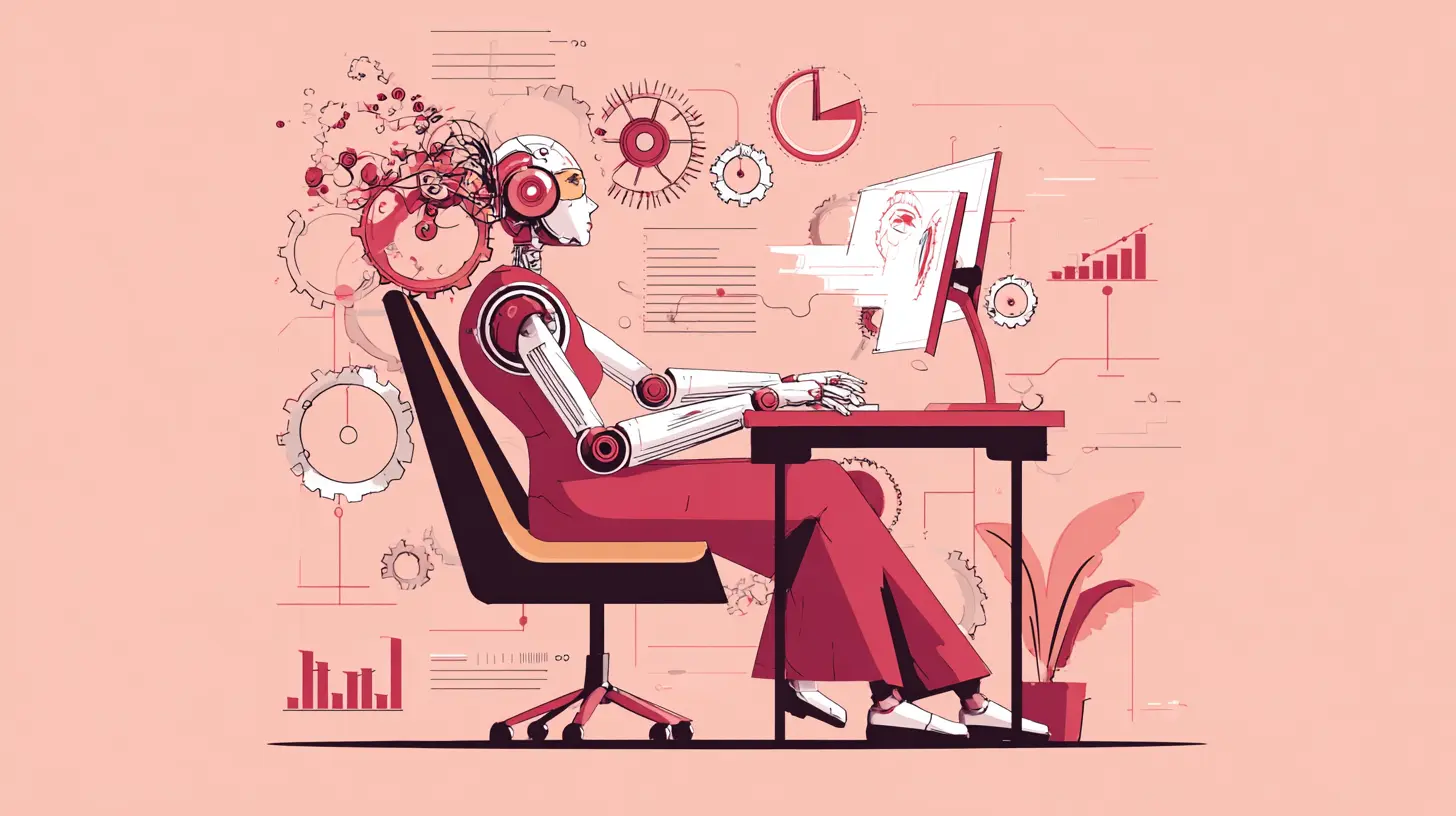
Why Freelancers Resist Automation (And Why That Is Costing Them)
There is a common misconception floating around that automation is for big corporations with IT departments. That it is too complex, too expensive, or too impersonal for a solo operator. That belief is wrong, and it is expensive.The real reason most freelancers resist automation is not technical. It is psychological. We have a weird attachment to doing things ourselves because it feels like control. We think that if we are not manually doing every step, something will slip through the cracks. We also fear that automation will make us lazy or that clients will notice we are not "working" as hard.
Here is the truth. Clients do not pay you to send them a follow-up email. They pay you for the result. The follow-up email is overhead. The file conversion is overhead. The appointment scheduling is overhead. Every minute you spend on overhead is a minute stolen from your actual craft.
The freelancers who are making real money are not the ones who work the most hours. They are the ones who have stripped away the busywork and kept only the high-value work. Automation is the tool that lets you do that without hiring a team.
The First Step: Audit Your Day Before You Automate Anything
Here is a mistake I see constantly. A freelancer gets excited about automation, signs up for five different tools, and then spends two weeks configuring them. They automate a process that should not exist in the first place. That is not productivity. That is procrastination with extra steps.Before you automate anything, you need to know what you are actually doing with your time. For three days, track every single task you do. Not in a fancy app. Just a notebook or a spreadsheet. Write down what you did, how long it took, and whether it required your specific brain.
At the end of those three days, sort everything into three buckets.
The first bucket is work that only you can do. This is the actual client deliverable. The design, the writing, the code, the strategy. This is what you are paid for.
The second bucket is work that needs to happen but does not require your unique skill. This is sending invoices, scheduling meetings, backing up files, posting to social media, sending follow-up emails, updating project trackers.
The third bucket is work that should not happen at all. This is the meeting that could have been an email. The report nobody reads. The double entry of data between two systems.
Automation targets the second bucket. The third bucket you should just delete. The first bucket you protect with your life.
Email Is Eating Your Brain. Automate the Inbox, Not the Message.
Email is the single biggest time thief for most freelancers. Not because email is inherently evil, but because we treat every message like it deserves an immediate, thoughtful, personalized response. It does not.The first thing to automate is not the sending. It is the sorting. Use filters and rules to automatically label, archive, or forward emails based on sender, subject line, or keywords. Client emails go into a "Client" folder. Newsletter subscriptions go into a "Read Later" folder. Automated notifications from your own tools get archived immediately.
This is not about ignoring people. It is about making sure that when you open your inbox, you see the stuff that matters. The human brain is terrible at context switching. Every time you glance at an email and think "I will deal with that later," you have lost a little bit of focus. Filters keep your attention where it belongs.
The second thing to automate is the response for the most common questions. You will get the same questions over and over. "What is your rate?" "What is your turnaround time?" "Do you have availability next month?" Do not type these answers out every time. Create a text expander tool with canned responses. One keystroke, and the full answer appears. You can still edit it before sending. You are not being robotic. You are being efficient.
The third thing is the follow-up. Freelancers are terrible at following up. We send a proposal, we wait, we get anxious, we send a polite nudge three weeks later. That is a terrible system. Use a tool that automatically reminds you to follow up after a set number of days. Or better yet, use a tool that sends the follow-up for you, with a note that you wrote in advance. The client does not care that it was sent automatically. They care that you followed up.

Invoicing and Payments: The Most Painful Part, Now the Most Automated
Nobody became a freelancer because they loved invoicing. But invoicing is where automation pays for itself faster than anywhere else.The old way is manual. You finish a project, you remember to create an invoice, you send it, you wait 30 days, you send a reminder, you wait again, you send a firmer reminder, you finally get paid. That process is not just slow. It is emotionally draining.
The automated way is set it and forget it. Use an invoicing tool that lets you create a recurring invoice for retainers. Use a tool that automatically sends a payment reminder three days before the due date and another one the day after. Use a tool that automatically applies a late fee if you have that in your contract.
Here is the part most freelancers miss. Automation is not just about sending the invoice. It is about removing the awkwardness. You do not want to be the person chasing money. But if the system does it, you are not the bad guy. The system is just doing its job. You can even write the reminder emails in a friendly, professional tone. The client will not be offended. They will just pay.
One more thing. Automate your bookkeeping as much as possible. Connect your bank account to your accounting software. Categorize recurring expenses automatically. Set up automatic transfers to your tax savings account. This is not glamorous, but it prevents the quarterly panic attack that so many freelancers experience.
Scheduling and Meetings: Stop Playing Email Tennis
If you have ever sent an email that says "Does Tuesday at 3 PM work for you?" and then waited two days for a response, only to find out that Tuesday at 3 PM does not work, you know the pain. Scheduling is a waste of your life.Use a scheduling tool. You know the ones. They let you share a link, and the client picks a time that works for them. The tool automatically checks your calendar, creates the event, sends the invite, and even sends a reminder.
This is not just convenient. It is a signal of professionalism. When you send a scheduling link, you are telling the client "My time is valuable, and I have a system." That is a good look.
But here is the nuance. Do not automate the actual meeting. If you have a discovery call with a new client, you should be on that call. You should be listening, asking questions, and building rapport. Automation cannot do that. What automation can do is handle the prep work. It can send a pre-meeting questionnaire that gathers basic information before you even get on the call. That way, you do not waste the first ten minutes asking about their business model.
Social Media and Content: Automate the Distribution, Not the Creation
There is a lot of bad advice out there about automating your content. Some people will tell you to use a tool that generates your posts for you. That is a mistake. Automated content generation, at least right now, tends to produce generic, soulless garbage. Your clients and followers can tell.What you should automate is the distribution. Write your content when you are inspired. Batch create a week or a month of posts in one sitting. Then use a scheduling tool to publish them at the optimal times. This is the best of both worlds. You get the creative quality of a human writer, and you get the consistency of a machine.
You should also automate the repurposing. If you write a blog post, you can turn it into a LinkedIn post, a Twitter thread, and a newsletter segment. You do not have to do this manually every time. There are tools that can help you break down long-form content into smaller pieces. You still need to review and edit, but the heavy lifting is done.
The key is to never let automation make you lazy about the actual content. The moment you start publishing junk just to keep the schedule, you have lost the plot. Automation is for the logistics. The creativity stays human.
File Management and Backups: The Invisible Time Sink
You do not realize how much time you waste on files until you automate it. Renaming files, moving them to the right folder, uploading them to the client portal, making sure the version is the latest one. This is the grunt work of freelancing.Set up a naming convention and stick to it. Then use a tool that automatically renames files based on rules. For example, a screenshot you take could be automatically renamed to include the date and the project name. That sounds small, but when you are looking for a file from three months ago, it saves you ten minutes of hunting.
Use cloud storage with automatic sync. If you work on a file on your desktop, it should be backed up to the cloud instantly. You should never have to think about backups. That is what automation is for. If your computer dies, you should be able to get a new one and be back to work within an hour, not a week.
Version control is another hidden gem. If you are a writer or a designer, you have probably had the "which version is the final one" problem. Use a tool that automatically saves versions of your files. Then you can always go back if you need to. This is not just about safety. It is about peace of mind. You cannot be creative when you are worried about losing your work.
Client Onboarding and Offboarding: The First and Last Impression
The beginning and end of a project are where most freelancers drop the ball. Onboarding is messy because you are excited about the work. Offboarding is messy because you are tired and ready to move on. Both are perfect candidates for automation.Create an automated onboarding sequence. When a new client signs the contract, they automatically receive a welcome email with a link to your portal, a questionnaire about their project, and a copy of your working agreement. They also get scheduled for a kickoff call. You do not have to remember to send any of this. It just happens.
The offboarding sequence is just as important. When you mark a project as complete, the system sends a thank you email, a request for a testimonial, and a link to your feedback form. It also sends the final invoice. This is the moment when the client is happiest with you. Strike while the iron is hot. Ask for the testimonial right then, not three months later.
The Dark Side of Automation: What Not to Do
Automation is not all sunshine and roses. There are real pitfalls, and if you are not careful, you can do serious damage to your reputation.The first mistake is over-automating communication. If every email you send is obviously a template, clients will notice. And they will not like it. The trick is to use templates as a starting point, not as the final product. Always add a personal line. Mention something specific from the conversation. Automation should handle the structure, but you provide the humanity.
The second mistake is automating without testing. You set up a workflow, you assume it works, and then you find out two weeks later that a client never received the invoice because the tool failed. Always test your automation with a dummy account first. And check in on it periodically. Automation is not fire and forget. It is more like a garden. You have to tend it.
The third mistake is using too many tools. Every tool you add is another thing to learn, another subscription to pay, and another point of failure. The best automation setup is the one that uses the fewest tools. Look for platforms that do multiple things. Consolidate whenever possible. Your goal is to simplify, not to create a Rube Goldberg machine.
The fourth mistake is automating the wrong things. Do not automate the parts of your work that you enjoy. If you love writing the proposal, do not use a template that makes it generic. If you love the initial client conversation, do not replace it with a form. Automation is for the tasks that drain you, not the ones that energize you.
The Trade-Offs: When Manual Is Better
There are times when automation is not the right choice. You need to be honest about that.If you are just starting out and you have very few clients, automation might be overkill. Setting up complex workflows takes time. If you only send one invoice a month, a simple reminder on your phone might be enough. Do not automate for the sake of automating. Automate when the pain is real and recurring.
If you work in a highly personal field, like coaching or therapy, automation can feel cold. Your clients expect a human touch. In that case, use automation only for the administrative stuff, not for the communication. The scheduling link is fine. The automated check-in email might be too much.
If you are working on a complex project with lots of moving parts, automation can actually make things worse. You might spend more time configuring the automation than you save. Sometimes the best tool is a simple checklist that you work through manually. Checklists are a form of automation too, just a low-tech one.
The Real Payoff: Time, Not Just Convenience
The real reason to automate is not to feel busy. It is to get your time back. Time is the one resource you cannot buy more of. When you automate the drudgery, you free up space for the work that matters. You also free up space for rest.Freelancers are notorious for burning out. We work too much because we are afraid that if we stop, the work will dry up. But the truth is, the work will not dry up because you took a Sunday off. The work will dry up because you are exhausted and making mistakes. Automation is a way to work smarter, not harder. It is a way to build a business that can run without you having to be everywhere at once.
Start small. Pick one process that annoys you the most. Automate that one thing. See how it feels. Then move on to the next. You do not have to overhaul your entire business in a weekend. You just have to start.
A Practical Framework for Getting Started
If you are ready to take action, here is a simple framework.First, list your top five recurring tasks. These are the things you do every week without fail. For each one, ask yourself three questions. Does this require my unique skill? Does this happen more than once a week? Would I pay someone else to do this if I could?
If the answer to all three is yes, it is a candidate for automation.
Second, choose one task and map out the current process. Write down every single step. Then look for steps that can be removed, combined, or automated. You will be surprised at how many steps are just there because you never questioned them.
Third, pick the simplest tool that can handle the job. Do not buy the enterprise solution. Do not sign up for the free trial of the platform with a million features you will never use. Start with something basic. You can always upgrade later.
Fourth, implement it and test it. Use it for two weeks. If it saves you time and reduces stress, keep it. If it is more trouble than it is worth, drop it. There is no shame in abandoning a tool that does not work for you.
The Bottom Line
Automation is not about replacing yourself. It is about removing the friction that stands between you and the work you love. It is about building systems that let you focus on the craft, not the chaos.The freelancers who thrive in the long run are not necessarily the most talented. They are the ones who figured out how to run their business without being crushed by it. Automation is a big part of that. It is not the only part, but it is a powerful one.
So take a hard look at your week. Find the tasks that make you sigh. Automate those. You will not regret it. You will just wonder why you waited so long.
all images in this post were generated using AI tools
Category:
Tech For FreelancersAuthor:

John Peterson
Discussion
rate this article
2 comments
Adrian Navarro
Automation is the secret weapon freelancers didn't know they needed; it transforms chaos into streamlined success... superb!
August 28, 2026 at 2:46 AM
John Peterson
Thanks for the feedback! I'm glad you found the article helpful. Automation really can make a big difference for freelancers.
Kathleen Smith
Awesome read! Automation really is a game changer for freelancers. Imagine spending less time on tedious tasks and more on what you love. Time to kick back and let the bots handle the busywork... cheers to productivity!
August 27, 2026 at 2:22 AM
John Peterson
Thanks for your thoughts! I completely agree-automation frees up valuable time for freelancers to focus on their passions. Cheers to that!