Ultrabooks with the Best Trackpads for Precision and Comfort
12 June 2026
Let’s be honest—trackpads are like the unsung heroes of our laptops. You don’t really notice them when they work perfectly, but the moment they act up? Absolute chaos. A clunky, unresponsive, or erratic trackpad can turn even the simplest tasks into a nightmare.
If you’re a writer, designer, coder, or just someone who dreads carrying around a separate mouse, then a smooth, responsive, and precise trackpad isn’t a luxury—it’s a necessity. Fortunately, not all trackpads are created equal. Some ultrabooks come with glassy, buttery-smooth, and ultra-responsive trackpads that almost make you forget mice even exist.
So, which ultrabooks have trackpads that feel like a dream? Buckle up—we’re taking a deep dive into the best ones out there! 
What Makes a Great Trackpad?
Before we jump into the best ultrabooks, let’s quickly break down what makes a trackpad go from "meh" to "mind-blowing."1. Material Matters
Plastic trackpads? No, thank you. The best ones are made from glass, offering a smooth, premium-feeling surface that lets your fingers glide effortlessly.2. Precision and Responsiveness
If your cursor moves like it’s had too much coffee or randomly jumps around, your trackpad is failing you. A good one should have rock-solid precision and instant responsiveness.3. Multi-Touch Gestures
Nobody likes clicking a million times to switch apps or zoom in on a webpage. The best trackpads support seamless gestures—pinch to zoom, three-finger swipes, and tap-to-click should all feel flawless.4. Size Does Matter
A tiny trackpad makes everything frustrating. But a well-sized one? It gives your fingers enough space to glide freely without accidental clicks.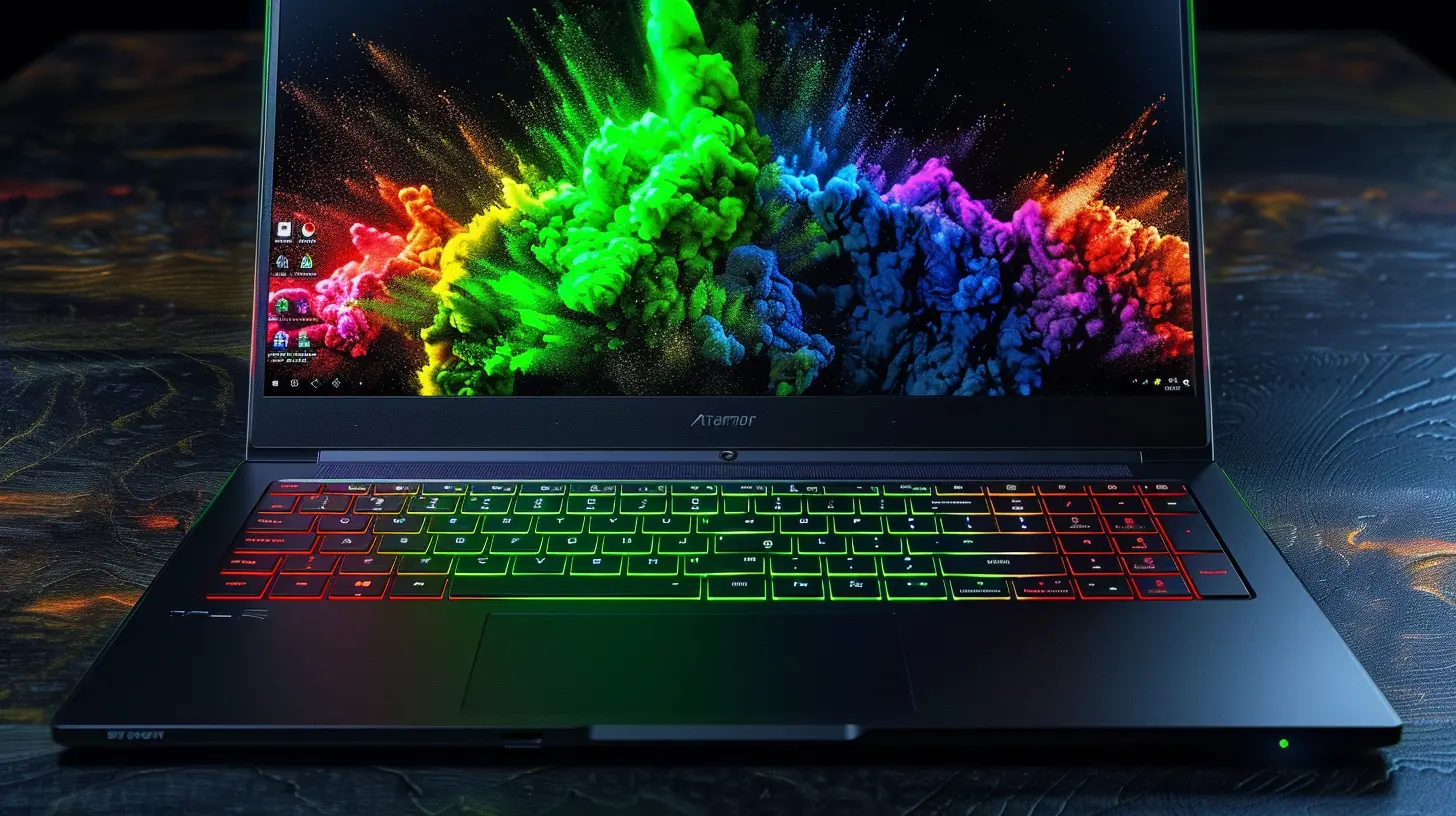
1. Apple MacBook Air M2 – The Gold Standard
If there’s one company that's absolutely nailed trackpads, it’s Apple. And the MacBook Air M2 is no exception. Apple's trackpads are big, silky-smooth, and ridiculously precise, making them the best in the business.⭐ Why Is It So Good?
- Haptic Feedback: Unlike traditional trackpads, it doesn’t physically click—Apple’s Taptic Engine simulates a click, and it feels eerily realistic.- Glass Surface: Your fingers glide effortlessly, and gestures feel like second nature.
- Huge Size: Plenty of room for multitouch gestures, making navigation incredibly smooth.
- Perfect Gesture Support: macOS supports a ton of gestures, and they work without a hitch.
? Downside?
Well, it’s a Mac. If you rely on Windows-only software, you’ll have to either dual-boot or use an alternative.
2. Dell XPS 13 Plus – The Windows King
Not a fan of macOS? No worries—the Dell XPS 13 Plus comes really close to Apple’s magic trackpad quality.⭐ Why Is It So Good?
- Seamless Design: The trackpad is invisible—it blends into the palm rest, giving the laptop a futuristic look. But don’t worry, it works flawlessly.- Precision Touchpad: Microsoft’s Precision drivers ensure fluid multi-touch gestures and ultra-responsive tracking.
- Glass Surface: A luxuriously smooth feel, perfect for extended use.
? Downside?
The invisible trackpad design might take some getting used to, and no physical boundary means you might sometimes miss-click.
3. HP Spectre x360 14 – The 2-in-1 Champion
If you’re a fan of convertible ultrabooks, the HP Spectre x360 14 is an excellent choice. It delivers a near-MacBook-level trackpad experience in a 2-in-1 form factor.⭐ Why Is It So Good?
- Precision Drivers: Every scroll and swipe feels buttery smooth.- Glass Trackpad: Offers a premium feel and smooth performance.
- Sizeable Surface Area: More space to navigate means a better multitasking experience.
- Perfect for Stylus Users: If you switch between touchscreen and trackpad often, this one’s got you covered.
? Downside?
Windows sometimes struggles with gesture recognition, and the laptop itself is a bit pricey.4. Razer Blade 14 – The Gaming Ultrabook with a Killer Trackpad
Who says gaming laptops can’t have amazing trackpads? The Razer Blade 14 defies expectations with a MacBook-like glass trackpad that’s surprisingly good.⭐ Why Is It So Good?
- Large and Smooth: A big, smooth glass trackpad makes swiping feel effortless.- Excellent Precision: Microsoft Precision drivers ensure great responsiveness for daily tasks.
- Premium Build: Razer doesn’t cheap out, and it shows in the trackpad quality.
? Downside?
If you’re serious about gaming, you’ll likely use a mouse anyway, so this might not be a deal-breaker.5. Lenovo ThinkPad X1 Carbon (Gen 11) – The Business Workhorse
ThinkPads have always been business-class machines, but that doesn’t mean Lenovo skimped on the trackpad. The ThinkPad X1 Carbon (Gen 11) delivers a fantastic experience.⭐ Why Is It So Good?
- Smooth Glass Surface: No roughness, just smooth gliding.- Physical Buttons: Some users still love dedicated left and right-click buttons.
- TrackPoint Stick: If you’re a fan of Lenovo’s signature red nub, you get the best of both worlds.
? Downside?
The trackpad is smaller than competitors, but many ThinkPad users prefer using the TrackPoint anyway.6. Asus ZenBook 14 OLED – The Affordable Premium Pick
Want a MacBook-like trackpad without breaking the bank? The Asus ZenBook 14 OLED delivers a high-end experience at a reasonable price.⭐ Why Is It So Good?
- Smooth Glass Construction: Feels premium, but without the premium price tag.- Precision Touchpad: Works flawlessly with Windows multitouch gestures.
- Decent Size: Bigger than most budget laptops, which means more room for comfortable use.
? Downside?
It’s not as large as a MacBook’s trackpad, but for the price, it’s an amazing deal.Final Verdict: Which One Should You Get?
So, which ultrabook has the best trackpad? Here’s a quick breakdown:- Best Overall: MacBook Air M2 – Apple reigns supreme in trackpad quality.
- Best Windows Alternative: Dell XPS 13 Plus – Spectacular performance with a seamless design.
- Best for 2-in-1 Lovers: HP Spectre x360 14 – Fantastic versatility with a great trackpad.
- Best for Gamers: Razer Blade 14 – Because even gamers deserve a high-quality trackpad.
- Best for Business Users: ThinkPad X1 Carbon – Classic, reliable, and still awesome.
- Best Value Pick: Asus ZenBook 14 OLED – Affordable but doesn’t skimp on quality.
At the end of the day, a great trackpad can make or break your laptop experience. Whether you’re scrolling endlessly on social media, working on important projects, or just avoiding the misery of a bad trackpad, these ultrabooks have got you covered.
Now go forth and swipe, scroll, and tap your way to a frustration-free experience!
all images in this post were generated using AI tools
Category:
UltrabooksAuthor:

John Peterson
Discussion
rate this article
1 comments
Anisa Gibson
Trackpad quality significantly enhances overall user experience.
June 20, 2026 at 12:48 PM
John Peterson
I completely agree. A high-quality trackpad really makes a difference in productivity and comfort. Thanks for your input!