How to Use Headphones Safely Without Damaging Your Hearing
7 June 2026
Headphones are a game-changer. Whether you're jamming to your favorite tunes, binge-watching shows, or blocking out distractions at work, they help keep us in our own little world. But here's the catch—if you're not careful, they can seriously damage your hearing.
Hearing loss isn’t just something that happens when you get older. Blasting your music too loud for too long can cause permanent damage, and once it’s gone, it’s gone. So, how do you enjoy your headphones without wrecking your ears? Let’s break it down.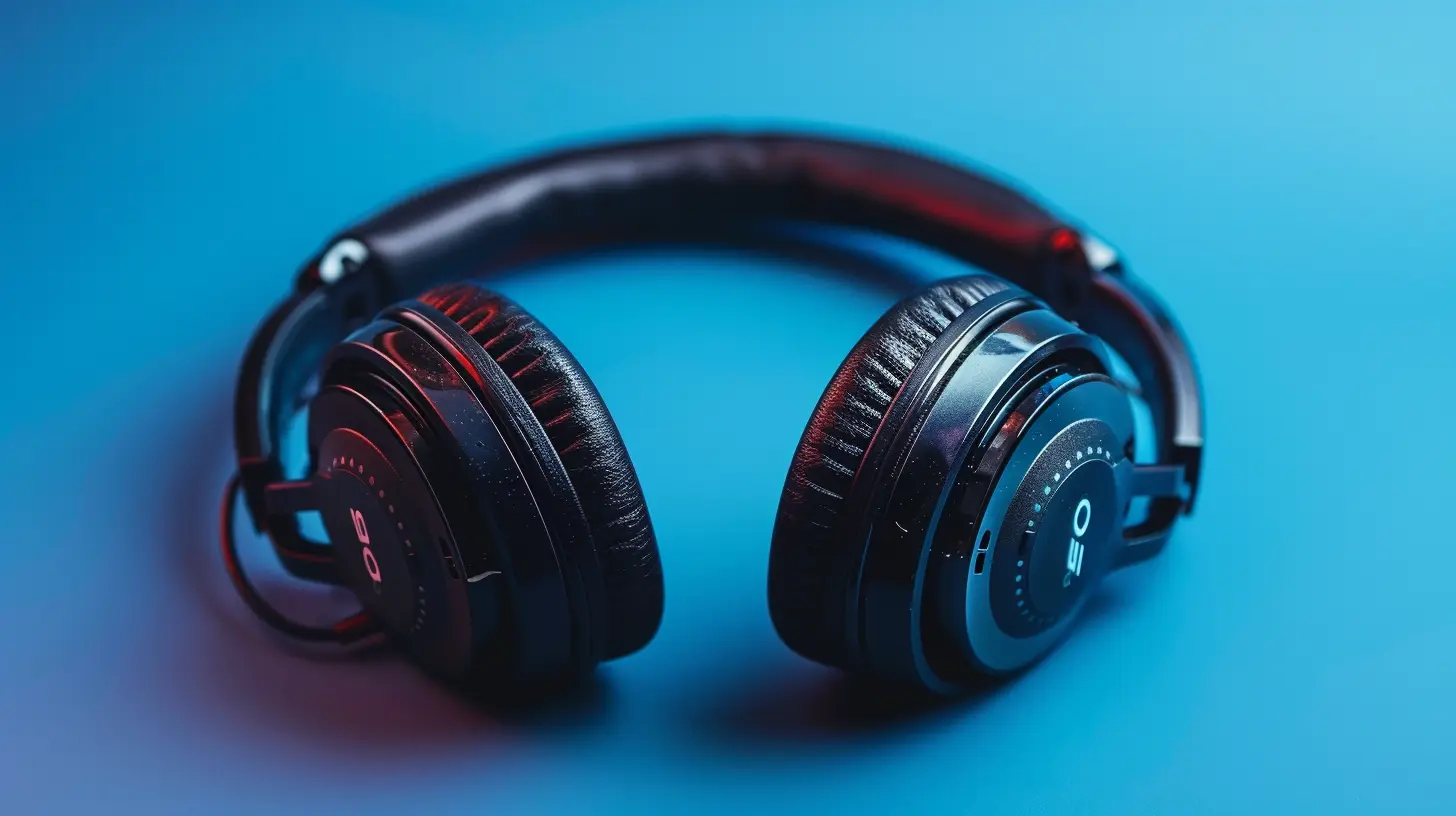
Why Loud Headphones Are a Problem
Before we dive into the "how," let’s understand the "why." Your ears are pretty tough, but they have their limits. Inside your ear, delicate hair cells called stereocilia help transmit sound signals to your brain. But when sound is too loud, these tiny cells can get damaged—and unlike a bad haircut, they don’t grow back.Listening to music at high volumes, especially for extended periods, can lead to noise-induced hearing loss (NIHL). The worst part? It happens so gradually that you might not even realize it until it’s too late.
The Safe Listening Rule: 60/60 Rule
One of the simplest ways to protect your hearing is to follow the 60/60 rule. What does that mean?- Listen at no more than 60% of the maximum volume
- Limit headphone use to 60 minutes at a time
Your ears need breaks. Just like your muscles get tired after a workout, your ears need time to recover after being exposed to sound for too long. Taking short breaks reduces strain and lowers the risk of long-term damage.
How Loud Is Too Loud?
You might be wondering, How do I even know if my music is too loud? Here are a few signs:- If someone sitting next to you can hear your music, it’s too loud.
- If you have to raise your voice to talk while wearing headphones, it's probably hurting your ears.
- If your ears feel “ringing” or discomfort after using headphones, you've overdone it.
A general rule is anything above 85 decibels (dB) for a prolonged time is dangerous. Most smartphones now have features that warn you if your volume is too high—pay attention to those!
Best Types of Headphones for Healthy Listening
Not all headphones are created equal. Some types are better for your ears than others. If you're serious about protecting your hearing, consider these options:1. Noise-Canceling Headphones
These are a game-changer. Noise-canceling headphones block out external noise, so you don’t have to turn the volume up to drown out background sounds. This is super useful if you're in a noisy place like a bus, train, or office.2. Over-Ear Headphones
Over-ear or "circumaural" headphones sit around your ears instead of inside them. They typically provide better sound isolation than earbuds, reducing the need for high volumes.3. Volume-Limiting Headphones
These are designed to cap the maximum volume at a safe level (usually around 85 dB). They’re commonly marketed for kids, but honestly, they’re a solid option for adults too.Tips to Use Headphones Safely
Now that you know the risks, let’s cover some practical tips to enjoy your headphones safely.1. Keep the Volume Sensible
Stick to that 60% rule—no blasting music at max volume! If you're in a quiet environment, you don’t need to crank it up.2. Limit Listening Time
Give your ears a break. Try not to use headphones for hours on end without stopping. Take five-minute breaks every hour—your ears will thank you.3. Use Noise-Canceling Features
If your headphones have active noise-canceling (ANC), turn it on. This helps block out background noise, so you don’t have to turn the volume up as much.4. Avoid Cheap Earbuds
Those budget earbuds that come with your phone? They aren’t doing your ears any favors. Invest in a good-quality pair that provides better sound quality at lower volumes.5. Follow the 80/90 Rule for Concerts
If you’re at a loud event like a concert (where sounds often exceed 90 dB), try limiting exposure to 80 minutes. If you’re using headphones in a similar loud setting, take frequent breaks.6. Give Your Ears Time to Recover
If you've had a loud listening session or attended a noisy event, give your ears some quiet time to recover. Experts recommend 16 hours of quiet after prolonged loud noise exposure.Using Hearing Protection When Necessary
Sometimes, you just can’t avoid loud environments—concerts, clubs, or even noisy workplaces. In these cases, consider wearing earplugs or noise-reducing ear protection. There are even high-fidelity earplugs designed to lower decibel levels while keeping sound clear.If you work in a noisy place (construction, factories, etc.), ear protection isn't optional—it's necessary. Prolonged exposure to loud sounds can cause lasting damage.
Signs You Might Have Hearing Damage
Hearing loss isn’t always obvious at first. Here are some early warning signs:- Ringing in the ears (Tinnitus) – a constant buzzing or ringing sound.
- Muffled hearing – sounds don’t seem as clear as they used to.
- Difficulty understanding speech – especially in noisy environments.
- Hyperacusis – sensitivity to normal sounds that didn’t bother you before.
If you're experiencing any of these symptoms, see a hearing specialist ASAP. Early intervention can make a big difference.
Final Thoughts
Headphones are an awesome way to enjoy music, podcasts, and movies, but they shouldn’t come at the cost of your hearing. By keeping the volume in check, taking breaks, and investing in the right headphones, you can enjoy your favorite sounds without causing permanent damage.Your ears are with you for life—take care of them, and they’ll take care of you!
all images in this post were generated using AI tools
Category:
HeadphonesAuthor:

John Peterson
Discussion
rate this article
1 comments
Vaughn Price
It's crucial to prioritize hearing health when using headphones. Regular breaks and keeping the volume at safe levels can make a huge difference. Investing in quality headphones that offer good sound at lower volumes is a smart move for long-term enjoyment and safety.
June 9, 2026 at 3:18 AM
John Peterson
Absolutely agree! Taking breaks and using quality headphones can really help protect your hearing while enjoying your music.