What You Should Know About Ultrabook Repair and Maintenance
31 May 2026
Owning an ultrabook can feel like having a sleek, powerful sports car parked in your driveway. It's thin, lightweight, and packs serious punch, making it a favorite among tech enthusiasts and professionals alike. But just like that fancy sports car, your ultrabook requires regular care and attention. Without proper maintenance, it could slow down, overheat, or even stop working altogether. And when things go wrong, repairs are often inevitable.
So, what should you know about ultrabook repair and maintenance? Let's dive in.

Why Ultrabook Maintenance Is So Important
First things first—why is maintaining your ultrabook such a big deal? Well, think of it like this: ultrabooks are designed to be compact and perform at a high level, all while being super light and portable. These thin machines work hard, and without regular upkeep, they can start to struggle over time.Ultrabooks tend to have less space for things like cooling fans and other hardware to keep them running smoothly. Dust, dirt, and grime can wreak havoc on these small components. On top of that, failing to update software or neglecting battery care can turn your ultrabook from a beastly performer into something that chugs along like a turtle.
The Bottom Line?
Preventing issues is way easier than trying to fix them after the fact. Regular maintenance can extend your ultrabook's lifespan and keep it running smoothly longer. Simple as that.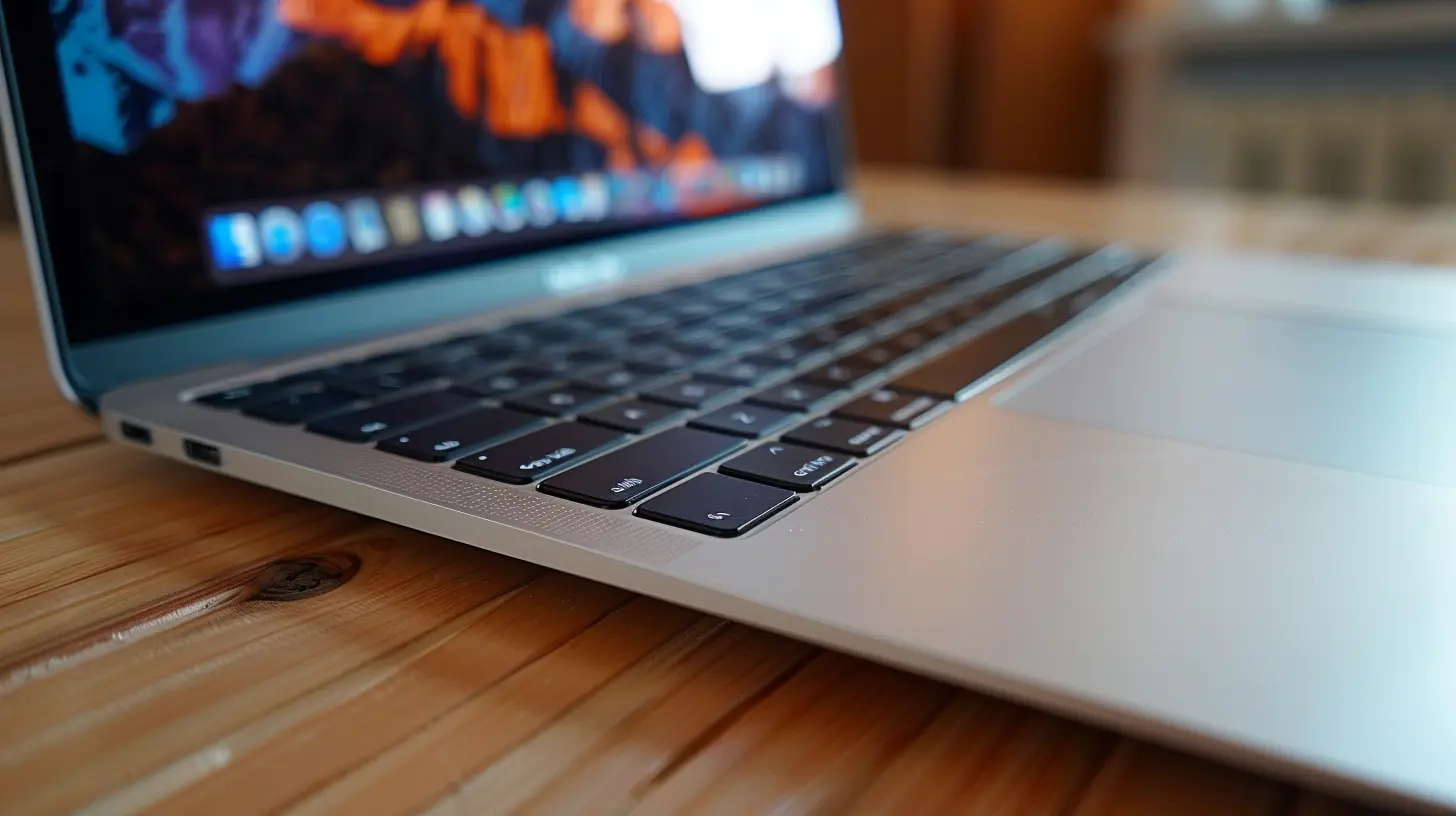
Common Problems That Require Ultrabook Repair
Now, even with good maintenance, things can still go wrong. Let’s face it—tech is unpredictable. But knowing what could potentially happen gives you a leg up. Here are some of the most common issues ultrabook owners face:1. Overheating
Because ultrabooks are thin and compact, they don’t always have the best cooling systems. Over time, dust and debris can clog up the internal fans, making it harder for your ultrabook to stay cool. If your device is getting too hot, it can slow down or even shut off unexpectedly to prevent damage.2. Battery Issues
Ultrabooks are often praised for their long battery life, but that doesn’t mean their batteries are invincible. Over time, you might notice that your ultrabook’s battery doesn’t hold a charge as well as it used to. Worse yet, it might start draining super quickly. This happens naturally with lithium-ion batteries, but improper charging habits can speed up the degradation process.3. Keyboard Malfunctions
Crumbs, dust, and moisture can easily get under the keys and cause them to stop functioning properly. And let’s be honest—who hasn’t accidentally spilled a little coffee or water on their keyboard? When this happens, certain keys may stop responding, or worse, your entire keyboard could short out.4. Screen Cracks
Ultrabooks are designed to be portable, and that means they get carried around a lot, making them more prone to drops and accidents. A cracked screen is usually one of the more expensive repairs, but it’s not impossible to fix. You just have to be careful with handling and storing your ultrabook when you're on the go.5. Hard Drive Failures
Though many ultrabooks come with solid-state drives (SSDs), which are more reliable than traditional hard drives, they aren’t completely immune to failure. A sudden crash, strange noises, or trouble booting up could be signs that your ultrabook’s hard drive is on its last leg.
How to Perform Basic Ultrabook Maintenance
Alright, now that you know what can go wrong, let’s talk about how to keep things running smoothly. While some maintenance tasks require a professional, there are plenty of things you can do at home to keep your ultrabook in tip-top shape.1. Keep It Clean
One of the simplest things you can do is keep your ultrabook clean. This means both physically and digitally. On the physical side, regularly wiping down your screen and keyboard can help prevent dirt and grime from building up. Use a microfiber cloth to avoid scratches, and make sure you turn off your device before cleaning.On the digital side, don’t forget to clean up your storage. Uninstall programs you don’t use, delete old files, and keep your system organized. Cluttered storage can slow your ultrabook down, so staying on top of it is key.
2. Update Your Software
Keeping your operating system and programs up to date is crucial for your ultrabook’s performance. Software updates often include important security patches and performance improvements. Plus, outdated software can be a major drain on your system’s speed and battery life.3. Manage Your Battery
Battery care is a big one when it comes to ultrabooks. To help extend your battery’s life, avoid letting it drain completely before charging. Instead, try to keep it between 20% and 80% charged for optimal lifespan. Also, when storing your ultrabook for long periods, make sure the battery is at around 50% to prevent it from deteriorating.4. Watch the Temperature
As we mentioned earlier, ultrabooks are prone to overheating. To help avoid this, make sure you’re using your ultrabook on a hard, flat surface. Softer surfaces like beds or couches can block the airflow and cause your device to overheat. Additionally, if you notice your ultrabook getting hot, consider investing in a cooling pad to help regulate the temperature.5. Run Antivirus Software
Even though ultrabooks are often seen as less vulnerable to viruses than PCs, they’re not immune. Running antivirus software can help protect your ultrabook from malware, spyware, and other digital threats. Make sure to schedule regular scans to catch any potential issues before they become a problem.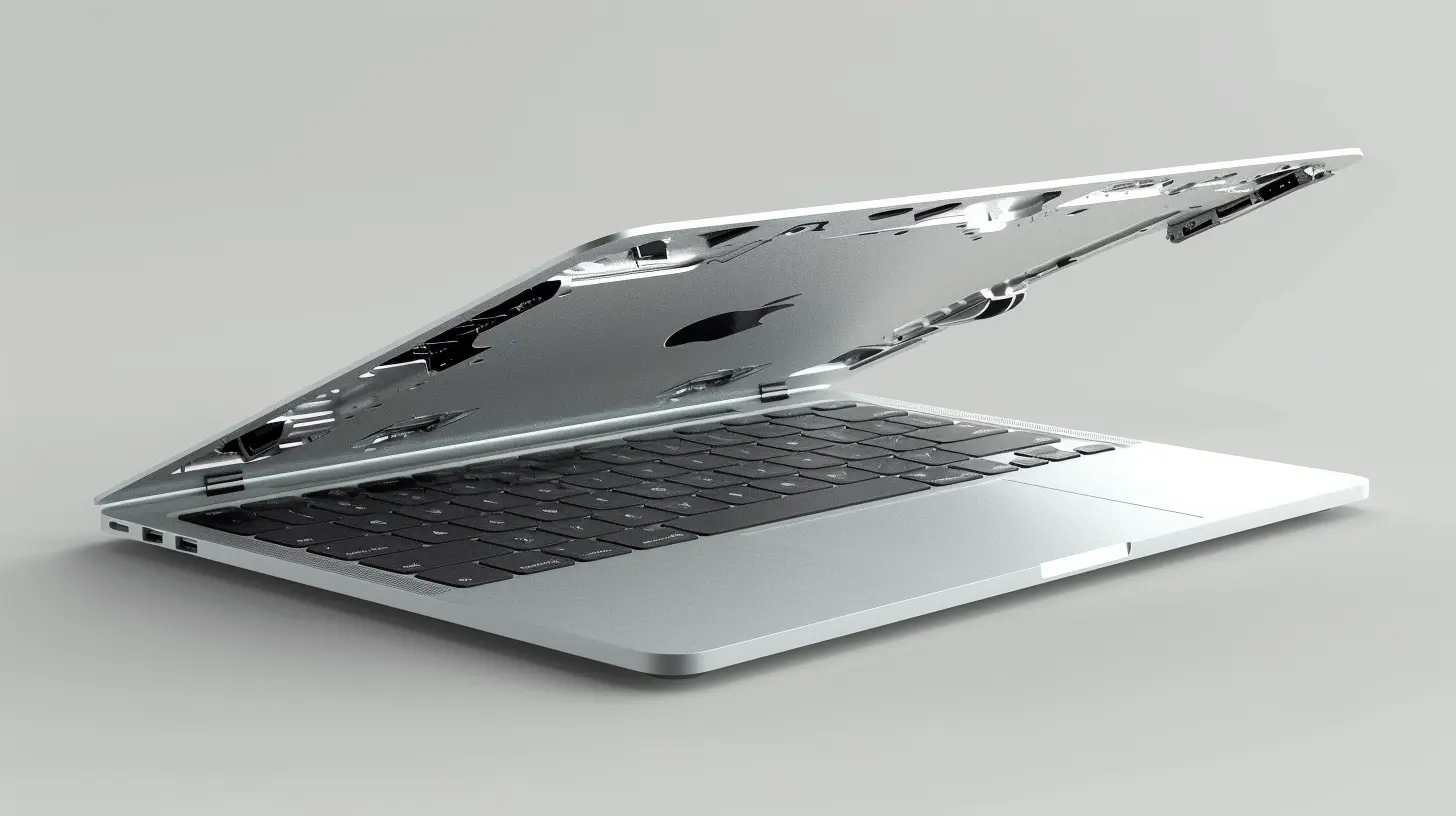
When You Should Seek Professional Help
Let’s be real—there are some repairs and maintenance tasks that you just shouldn’t tackle on your own. If you’re dealing with a major issue like a cracked screen or a failing hard drive, it might be time to call in the pros. Attempting to fix these problems yourself without the right knowledge or tools could make things even worse.Cracked Screen or Display Issues
If you drop your ultrabook and crack the screen, you might be tempted to watch a YouTube tutorial and fix it yourself. But unless you’re super confident in your tech skills, this is one of those repairs that’s best left to the experts. Screens are delicate, and one wrong move could lead to even more damage.Battery Replacement
While you can manage your ultrabook’s battery life, replacing the battery altogether is a different story. Many ultrabooks have sealed or built-in batteries, making it tricky to replace without specialized tools. A professional technician will be able to safely replace the battery without damaging other internal components.Keyboard Replacement
If your keyboard has stopped working due to liquid damage or general wear and tear, you might need a full replacement. Keyboards are intricate, and replacing them often involves opening up the entire ultrabook. This is another task best left to a professional to avoid causing additional damage.Hard Drive Replacement or Data Recovery
If your ultrabook’s hard drive is failing or you need to recover lost data, it’s time to visit a repair shop. SSDs are more complex to recover data from, and using improper recovery techniques can result in permanent data loss. A professional will have the tools and expertise needed to safely recover your files or replace the drive.How to Extend the Life of Your Ultrabook
At the end of the day, taking care of your ultrabook will help it last longer and save you from costly repairs. Here are a few simple things you can do to extend your ultrabook’s life:- Use a Case: Invest in a sturdy case or sleeve to protect your ultrabook from drops and scratches when you’re on the go.
- Avoid Extreme Temperatures: Don’t leave your ultrabook in a hot car or out in the cold. Extreme temperatures can damage the battery and other internal components.
- Be Gentle: These devices are designed to be durable, but they’re not indestructible. Be mindful when opening and closing the lid, and avoid slamming it shut.
- Backup Your Data: Regularly back up your important files to an external drive or cloud storage. That way, if your ultrabook does crash, you won’t lose everything.
Final Thoughts
Ultrabooks are incredible machines, blending power and portability in a sleek package. But like any high-performance device, they need a little TLC to keep running smoothly. Regular maintenance can go a long way in preventing issues and extending the life of your ultrabook, while knowing when to seek professional help can save you from costly DIY mistakes.So, whether you’re dealing with a sluggish ultrabook or just want to keep your device in prime condition, following these tips will help you get the most out of your ultrabook for years to come.
all images in this post were generated using AI tools
Category:
UltrabooksAuthor:

John Peterson
Discussion
rate this article
2 comments
Bryson Love
Ultrabooks combine power and portability, making them essential for today's fast-paced world. Understanding repair and maintenance is key to maximizing your investment. Treat your ultrabook well, and it will serve you reliably for years to come.
August 27, 2026 at 11:39 AM
John Peterson
I completely agree. A little care goes a long way in keeping ultrabooks running smoothly and extending their lifespan.
Kirk Forbes
Great insights on ultrabook care! It's easy to overlook maintenance, but your tips make it clear how important it is to keep our devices running smoothly. Thanks for sharing!
June 2, 2026 at 4:50 AM
John Peterson
Thanks for the feedback! I'm glad you found the tips helpful. Keeping our devices in top shape really makes a difference.