The Best Streaming Devices Compared for 2027
16 September 2026
Streaming hardware has quietly become one of the most consequential purchases in a modern home. The device you plug into your TV decides how fast apps open, which formats you can actually watch, how many ads you tolerate, and whether your setup still feels responsive three years from now. Most buyers treat this as a trivial decision and grab whatever is on sale. That is a mistake, because the gap between a cheap dongle and a well-chosen box is far wider than the price difference suggests.
This comparison looks at the streaming device landscape as it stands heading into 2027. It covers the major platforms, the hardware tiers within them, and the trade-offs that rarely make it into spec sheets. The goal is not to crown a single winner, because there is no universal best device. There is only the best device for your TV, your network, your tolerance for advertising, and the way you actually watch.
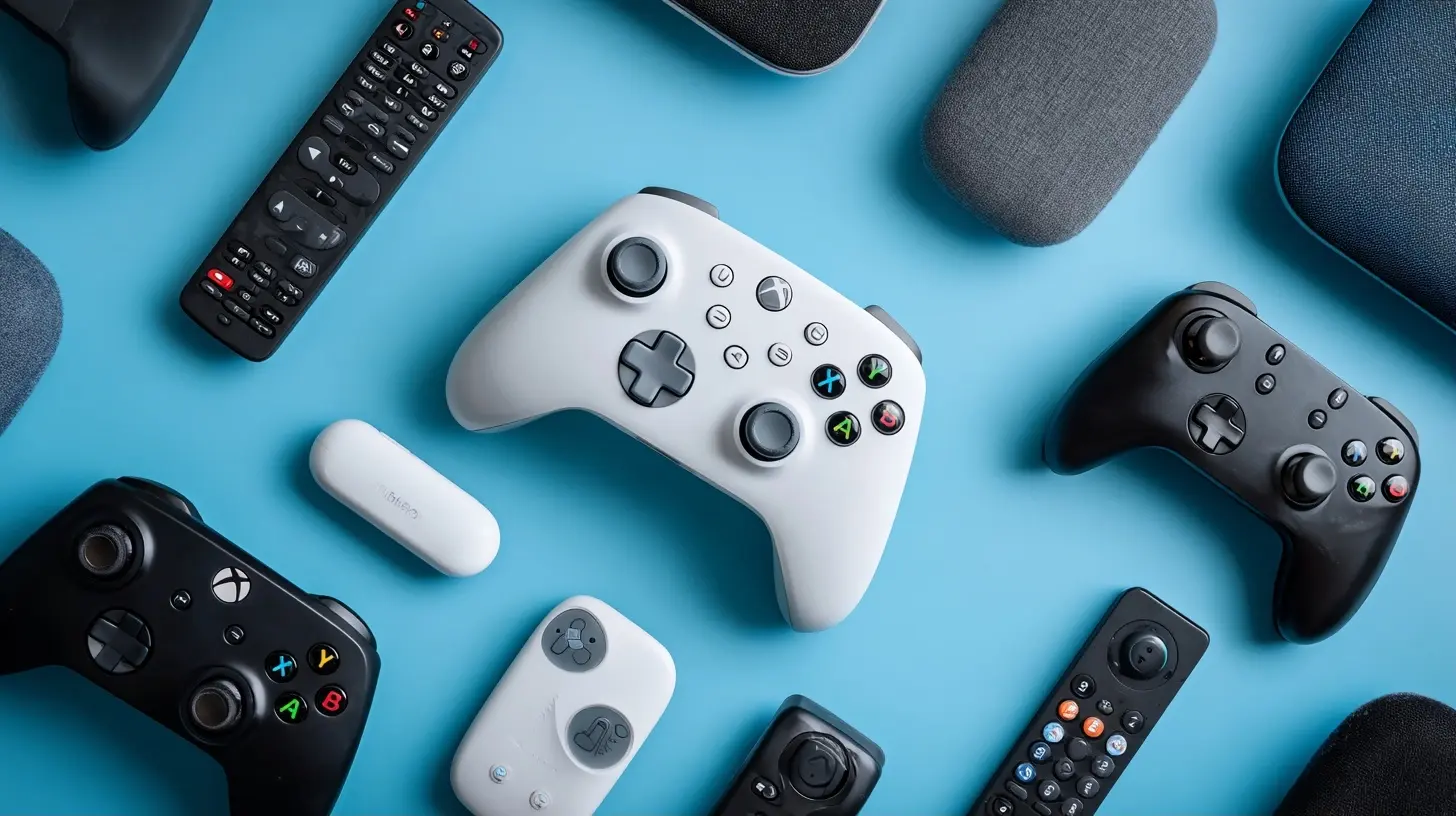
Why the Streaming Device Still Matters in 2027
A fair question in 2027 is whether you need a streaming device at all. Most TVs sold in the last five years ship with a smart platform built in, and those platforms have improved dramatically. So why spend money on extra hardware?The answer comes down to three things: longevity, performance, and control.
Longevity. TV manufacturers treat the software inside their sets as a disposable component. A TV you bought in 2021 may still have a beautiful panel, but its app store might be missing newer services, or its interface might run at a crawl. A streaming device decouples your software experience from your display. When the device gets slow or loses support, you replace a $50 to $200 box instead of a $900 television.
Performance. Even a mid-range streaming stick typically has a faster processor and more memory than the chipset inside a budget TV. That translates into snappier navigation, faster app launches, and fewer buffering stalls caused by the device itself rather than your internet connection.
Control. A dedicated device gives you a consistent interface across every TV in your house. If you own three televisions from three different brands, a single streaming platform means one remote layout, one login system, and one place to manage subscriptions.
The counterargument is equally valid. If you own a recent premium TV with a fast processor and a platform you genuinely like, adding a streaming device may just introduce a second remote and a redundant layer. The honest test: if your current interface feels fine, you probably do not need new hardware yet.
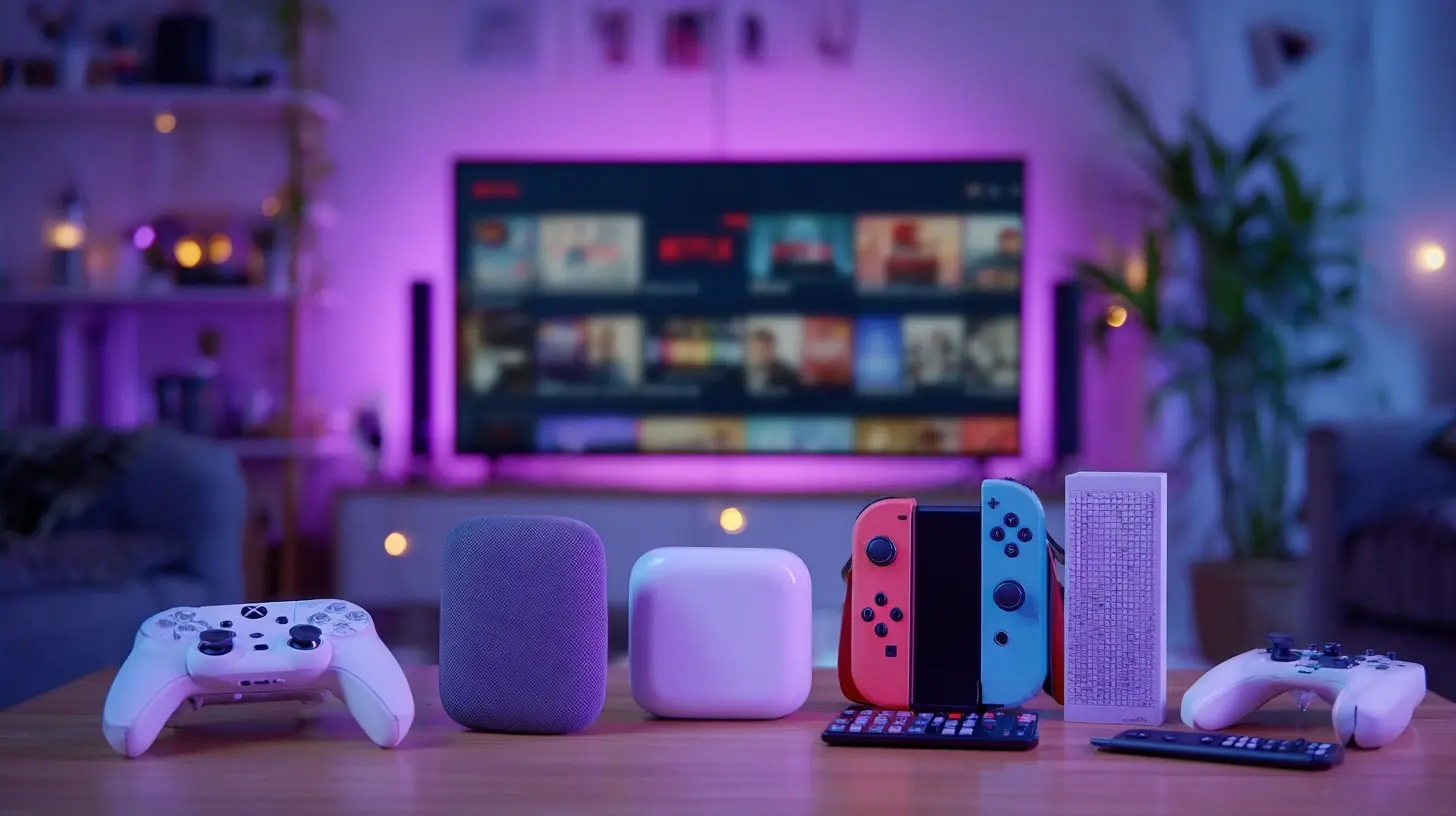
The Main Platforms, and What Each One Actually Optimizes For
Before comparing specific models, it helps to understand what each platform is trying to accomplish, because that philosophy shapes every design decision.Roku: Neutrality and Simplicity
Roku's core proposition is that it does not strongly favor any single streaming service. Its home screen is a grid of apps, and its search aggregates results across providers so you can see where a title is available and at what price. That neutrality is genuinely useful if you subscribe to a rotating mix of services.The trade-off is that Roku has leaned harder into advertising over time. Its home screen now carries prominent sponsored tiles, and its screensaver and "featured" rows exist partly to sell placement. Roku is also the platform most likely to push its own free, ad-supported channel prominently.
Roku's strength is its remote. Roku remotes are simple, durable, and consistent across price tiers. Its weakness is raw performance at the low end, where budget models can feel sluggish with heavy apps.
Amazon Fire TV: Ecosystem Integration and Aggressive Promotion
Fire TV is built for people embedded in Amazon's world. If you use Alexa, Prime Video, and Amazon Music, the integration is smooth and genuinely convenient. Voice search works well, and the platform surfaces content from your subscriptions reasonably effectively.The cost is promotional density. Fire TV home screens are among the most ad-heavy in the industry. Amazon has also been criticized for making it difficult to fully remove certain promotional content. If you are sensitive to interface clutter, this is the platform most likely to annoy you.
Fire TV devices are frequently discounted, which makes them attractive on price. Just understand that the low price is partly subsidized by advertising attention.
Google TV and Android TV: Search Depth and Casting
Google TV, which runs on top of Android TV, emphasizes content discovery. Its interface organizes recommendations by genre and mood, pulling from services you have connected. The Google Assistant integration is strong, and Chromecast functionality is native, meaning you can cast from your phone without extra setup.Google TV is generally the best platform for people who want deep search across many services and who already live in Google's ecosystem. Its weakness has historically been performance consistency. Some Google TV devices feel excellent, others feel underpowered, and the difference often comes down to RAM and chipset rather than the platform itself.
Apple TV: Performance, Privacy, and Ecosystem Lock-In
Apple TV is the premium option, and it behaves like one. The hardware is fast, the interface is clean, and Apple's stance on privacy means far less advertising and tracking than competitors. If you own an iPhone, AirPods, or a HomePod, the integration is excellent: you can use your phone as a remote, route audio to AirPods instantly, and use the Apple TV as a smart home hub.The drawbacks are price and platform rigidity. Apple TV costs significantly more than the alternatives, and some features only make sense if you are already in Apple's ecosystem. There is also less flexibility for sideloading or tinkering.
The Niche Players: Xbox, PlayStation, and Dedicated Media Boxes
Game consoles function as streaming devices, and if you already own one, using it for media is sensible. They are powerful and support major apps. But they consume far more power than a streaming stick, their remotes are awkward for media control, and their interfaces are designed around gaming first.Dedicated media boxes aimed at enthusiasts, such as those running a full Android TV build with expandable storage, appeal to people who want local media playback, emulation, or granular control. They are not for casual users, and their setup complexity is real.
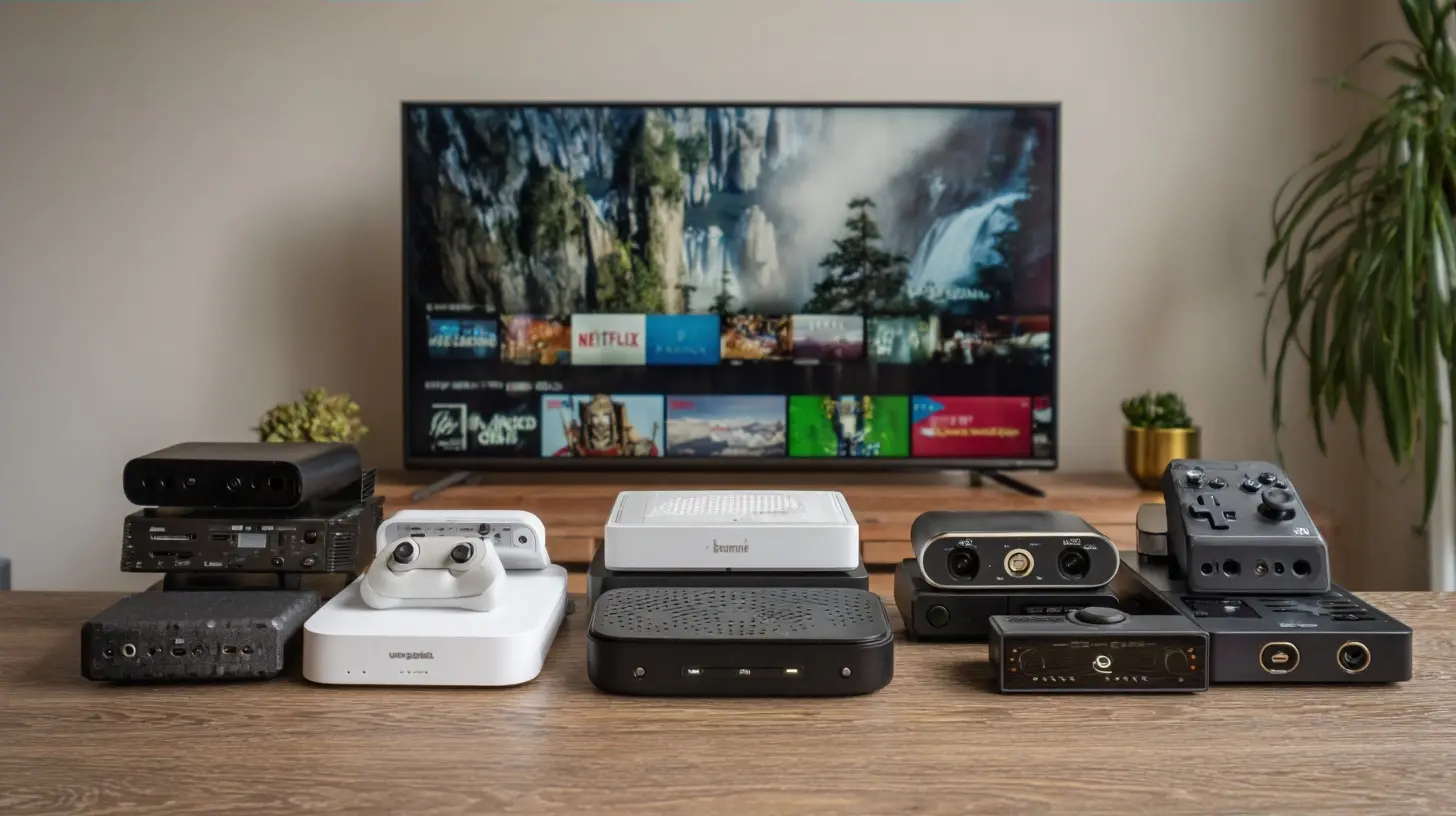
What Actually Determines Whether a Device Feels Good
Spec sheets list processor cores and RAM, but they rarely explain the user experience. Here is what matters in practice.Memory, Not Just Chip Speed
The single biggest cause of a sluggish streaming device is insufficient RAM. A device with 1 GB of RAM will struggle when you switch between apps or when an app caches aggressively. Devices with 2 GB or more handle multitasking and heavy interfaces noticeably better. If you are choosing between a faster processor with 1.5 GB of RAM and a slightly slower processor with 3 GB, the latter usually feels better day to day.Wi-Fi Band and Ethernet
Streaming 4K HDR content can consume 15 to 25 Mbps sustained. On a congested 2.4 GHz network, that is a recipe for buffering. A device that supports 5 GHz Wi-Fi or Wi-Fi 6 handles congestion far better. If your router is near your TV, a device with an Ethernet port is the most reliable option, because wired connections do not degrade when neighbors' networks get busy.This is why cheap sticks sometimes perform worse than their specs suggest. The bottleneck is not the processor; it is the radio.
Format Support: Dolby Vision, HDR10+, and Audio Passthrough
If you own a TV that supports Dolby Vision, you want a device that supports it too. Otherwise, you are paying for a display feature you cannot use. Similarly, if you have a soundbar or AV receiver that handles Dolby Atmos, confirm the device can pass that audio through rather than downmixing it.Format support varies significantly across price tiers. Budget devices often support HDR10 but not Dolby Vision. Mid-range devices usually add Dolby Vision. Audio passthrough support, particularly for lossless formats, is often limited to premium devices. Check this before buying if your TV or audio system is capable, because the mismatch is invisible until you notice content looks flatter than it should.
Remote Quality and Input Methods
The remote is the part of the device you touch most. A good remote has responsive buttons, a reliable voice input, and a layout you can navigate without looking. A bad remote has mushy buttons and an unresponsive microphone.Some devices offer hands-free voice control, which is useful in a kitchen or a room where the remote constantly disappears. Others support private listening through headphones connected to the remote, which is genuinely valuable in shared living spaces.
Ad Density and Interface Clutter
This is subjective but important. Some people do not care about sponsored rows. Others find them intrusive enough to return a device. Before buying, consider how much advertising you are willing to see on a screen you paid for. Apple TV is the cleanest. Roku and Fire TV are the most promotional. Google TV sits in between and varies by region and configuration.
Comparing the Tiers: Budget, Mid-Range, and Premium
Rather than list models with prices that will be outdated within months, it is more useful to compare the tiers, since the trade-offs are consistent.Budget Tier
Budget devices typically cost under $40. They handle 1080p and often 4K, support HDR10, and offer basic voice control. They are ideal for secondary TVs, guest rooms, or anyone who mainly watches 1080p content.What you give up: RAM, so expect occasional lag; Wi-Fi band support, so expect issues on congested networks; and format support, so Dolby Vision and Atmos are usually absent. These devices are also the most ad-heavy, because the low price is subsidized.
Buy this tier if your TV is 1080p, your network is decent, and you want a cheap upgrade for a spare room. Avoid it as your primary device on a large 4K TV, where its limitations become obvious.
Mid-Range Tier
Mid-range devices cost roughly $50 to $100. This is the sweet spot for most households. You get 4K HDR, Dolby Vision in many cases, better Wi-Fi, more RAM, and a noticeably smoother interface. Voice remotes are standard, and performance is good enough that you rarely think about the hardware.This tier is where the platform choice matters most, because the hardware differences narrow. If you are deciding between platforms, this is the tier where you should base your decision on interface preference and ecosystem rather than specs.
Premium Tier
Premium devices cost $150 and up. They offer the fastest processors, the most RAM, the cleanest interfaces, and the best format support. They also tend to last longer before feeling obsolete.The premium tier makes sense if you have a high-end TV and audio system that can take advantage of the format support, or if you value a clean, ad-light interface enough to pay for it. It makes less sense if your TV is mid-range, because you will not see the difference.
Common Mistakes Buyers Make
A few recurring errors are worth calling out directly.Buying on price alone. The cheapest device often costs more in frustration than it saves. If you watch TV daily, the interface is something you interact with constantly. Saving $30 to endure a sluggish, ad-heavy experience for years is a poor trade.
Ignoring the network. Many people blame the device for buffering when the real problem is Wi-Fi congestion or an underpowered router. Before upgrading hardware, test your connection speed at the TV. If it is inconsistent, a router or mesh upgrade will do more than a new streaming box.
Mismatching formats. Buying a Dolby Vision device for a TV that does not support it is wasted money. Buying a device without Dolby Vision for a TV that does support it means leaving quality on the table. Match the device to the display.
Overbuying for secondary TVs. A 4K premium device on a 32-inch 1080p bedroom TV is overkill. Match the device to how the TV is used.
Assuming a new device fixes app problems. If a specific app is buggy across devices, the issue is usually the app, not your hardware. Check whether the problem is widespread before spending money.
Practical Recommendations by Scenario
Advice is only useful when it maps to a real situation. Here are several common ones.You have a large 4K TV with Dolby Vision and a soundbar. Buy a mid-range or premium device that supports Dolby Vision and Atmos passthrough. The format support is the deciding factor, not the brand.
You want the simplest possible experience for a less technical household member. Prioritize a simple remote and an uncluttered interface. Roku and Apple TV are the strongest here for different reasons: Roku for familiarity, Apple TV for cleanliness.
You are deep in Amazon's ecosystem. Fire TV makes sense, provided you can tolerate the advertising. The integration with Alexa and Prime Video is genuinely convenient.
You are deep in Apple's ecosystem. Apple TV is the obvious choice. The integration with iPhone, AirPods, and HomeKit is the reason to pay the premium.
You want to cast from your phone frequently. A Google TV device or a Chromecast-style device is the most natural fit, since casting is native rather than bolted on.
You have a secondary 1080p TV. A budget device is fine. Do not overspend on a room where the TV is used casually.
You care about local media playback. Look at devices that support external storage or network playback, or consider a dedicated media box. Mainstream sticks are built around streaming apps, not local libraries.
What to Watch for Heading Into 2027
A few trends are shaping the category, and they are worth understanding because they affect what you should buy.Advertising is becoming the business model. Hardware margins are thin, so platforms increasingly monetize attention. Expect home screens to carry more sponsored content, not less. If this bothers you, factor it into your decision now rather than being surprised later.
Format support is trickling down. Dolby Vision and Atmos, once premium-only, are appearing in cheaper devices. This is good news, but it also means the gap between tiers is narrowing on formats and widening on performance and ad density.
Wi-Fi 6 and 6E are becoming standard. As more devices support newer Wi-Fi standards, older devices on congested networks will feel their age. If you live in a dense area, prioritize a device with modern Wi-Fi.
Software support windows matter more than ever. A device is only as good as the updates it receives. Before buying, check how long the manufacturer has historically supported its devices. A slightly more expensive device with a longer support history is often the better long-term purchase.
The TV's built-in platform is improving. This is the wildcard. If TV makers continue to improve their software and support it longer, the case for a separate device weakens for casual viewers. For now, the performance and flexibility gap still favors dedicated hardware, but that could shift.
How to Decide Without Overthinking It
If you want a decision framework rather than a list, use this sequence.First, identify your TV's capabilities: resolution, HDR formats, and audio passthrough. This sets your ceiling.
Second, assess your network. If you have reliable 5 GHz Wi-Fi or an Ethernet drop near the TV, you have more freedom. If not, prioritize devices with strong Wi-Fi or a wired option.
Third, decide how much advertising you will tolerate. This single preference eliminates entire platforms for some people.
Fourth, choose your ecosystem. If you are embedded in Apple, Amazon, or Google, the integration benefits are real and worth weighing.
Fifth, match the tier to the room. Premium devices belong on primary TVs with good displays and audio. Budget devices belong on secondary TVs.
Finally, accept that there is no perfect device. Every option trades something: price for performance, performance for advertising, advertising for ecosystem lock-in. The right choice is the one whose trade-offs you can live with for the next several years.
Final Thoughts
The streaming device market in 2027 rewards buyers who think about longevity and fit rather than chasing the lowest price or the longest spec sheet. A device that matches your TV's capabilities, your network's reliability, and your tolerance for advertising will feel better than a technically superior device that fights you every time you turn on the TV.Spend a few minutes auditing what your TV can actually display, what your network can actually deliver, and what you actually watch. That audit will point you to the right tier faster than any ranking. And when you do buy, remember that you are not just buying hardware. You are choosing the interface you will look at every day for the next few years. Choose accordingly.
all images in this post were generated using AI tools
Category:
Home EntertainmentAuthor:

John Peterson
Discussion
rate this article
2 comments
Hadley Young
Oh great, another list of streaming devices. Just what we need-more ways to binge-watch our favorite shows... as if we needed that!
September 28, 2026 at 2:58 AM
John Peterson
I get where you're coming from! But new devices can really enhance the viewing experience and offer features that might surprise you.
Falkor McGarvey
This article offers a concise comparison of the top streaming devices for 2027. The breakdown of features, performance, and pricing is clear and helpful for anyone looking to upgrade their streaming experience. A must-read for tech enthusiasts and casual viewers alike.
September 18, 2026 at 3:35 AM
John Peterson
Thank you for your feedback! I'm glad you found the comparison helpful for making informed decisions.